PRODUCT DESIGN · BRAND · UI ENGINEERING
Designing and building a training website for property and technology professionals.
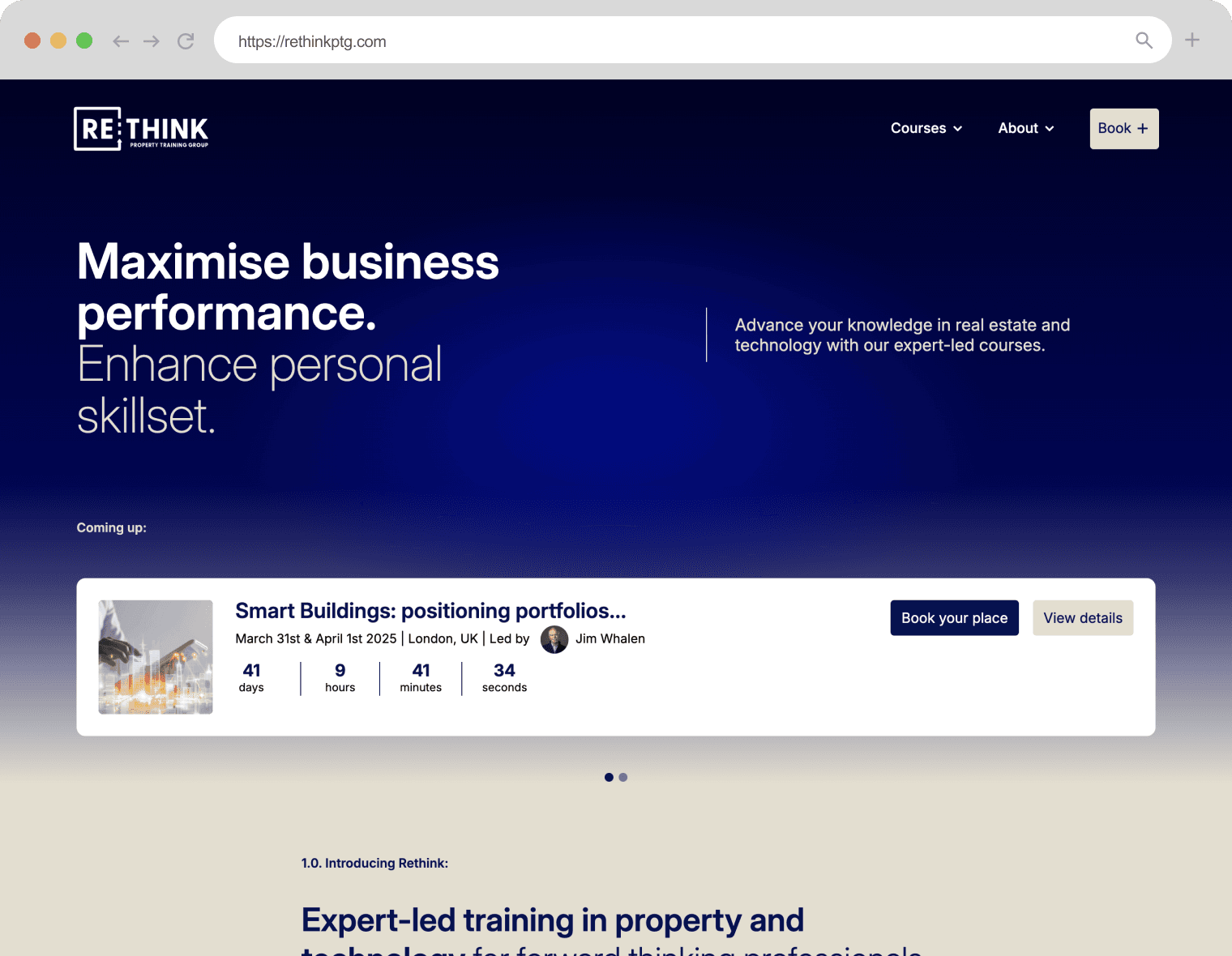
Creating the brand, user experience and WordPress website for a new professional training business.

OVERVIEW
From business knowledge to a clear training experience.
Rethink is a startup providing professional training across the property, real estate and technology sectors.
As the founding designer and developer, I worked across the project from business discovery and branding through to UX/UI design, frontend development, WordPress implementation and testing.
Existing stakeholder research provided a strong understanding of the target audiences, allowing the project to move efficiently into defining hypotheses, user journeys and the initial design direction.
01 - THE CHALLENGE
Making a new training business easy to understand and navigate.
Course discovery:
Help prospective students understand the available training.
Trainer discovery:
Provide information that helps users understand who delivers the training.
Course booking:
Create a clear pathway from evaluating a course to booking a place.
02 - MY ROLE
Working across design and development.
Research
Business and user research, stakeholder discussions and hypothesis development.
Design
Branding, UX strategy, user journeys, wireframes, prototyping and UI design.
Development
HTML, SCSS, JavaScript, PHP and WordPress development.
Testing
Stakeholder feedback, responsive testing and final staging validation.
03 - DISCOVERY
Understanding the business before designing the experience.
Defining the business goals
The project began with stakeholder discussions to understand the business objectives, timeline and budget.
We also explored the purpose of each course and identified the information prospective students would need to make a decision.
Existing research provided a strong understanding of the target audiences, allowing the design process to move directly into defining hypotheses and user journeys.
04 - HYPOTHESES
Defining the primary reasons users would visit the website.
Explore courses
Users visit the website to find information about available courses.
Understand trainers
Users want information about the trainers delivering the courses.
Book a place
Users visit with the intention of booking a course.
05 - BRAND DISCOVERY
Establishing the Rethink visual identity.
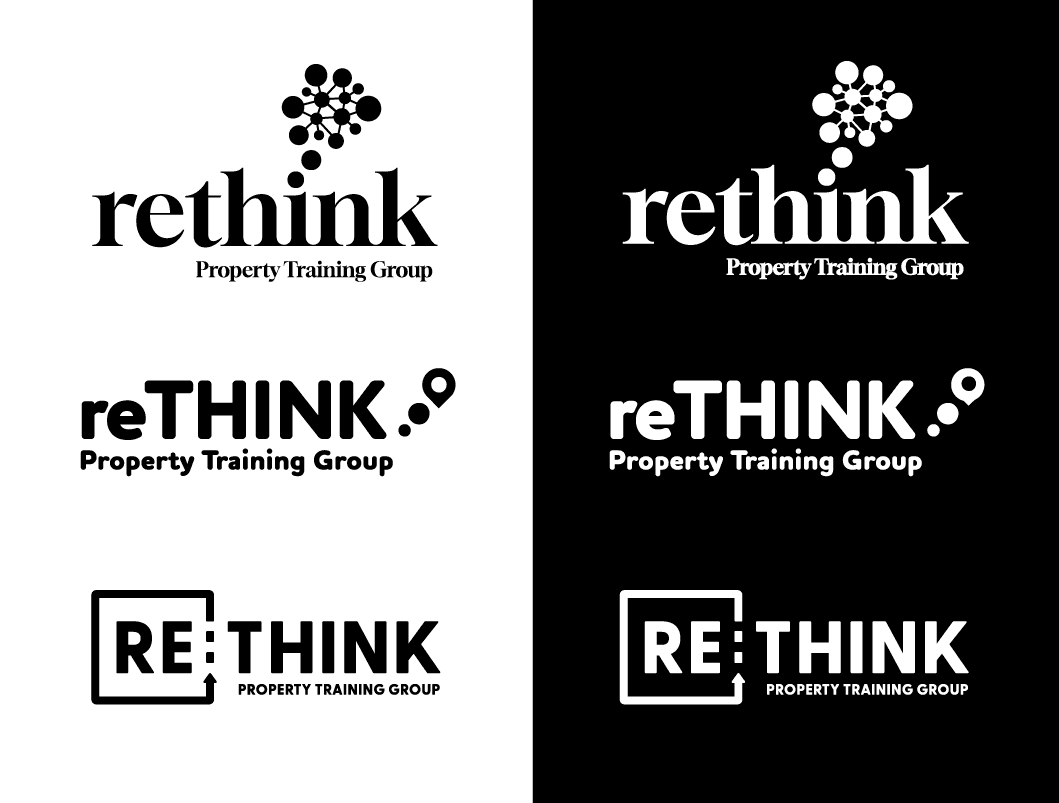
As a new business, Rethink also needed a visual identity that could establish its presence before the website was built.
Explore
Brainstorm brand names.
Sketch
Explore logo concepts.
Refine
Select and digitise the strongest concepts.
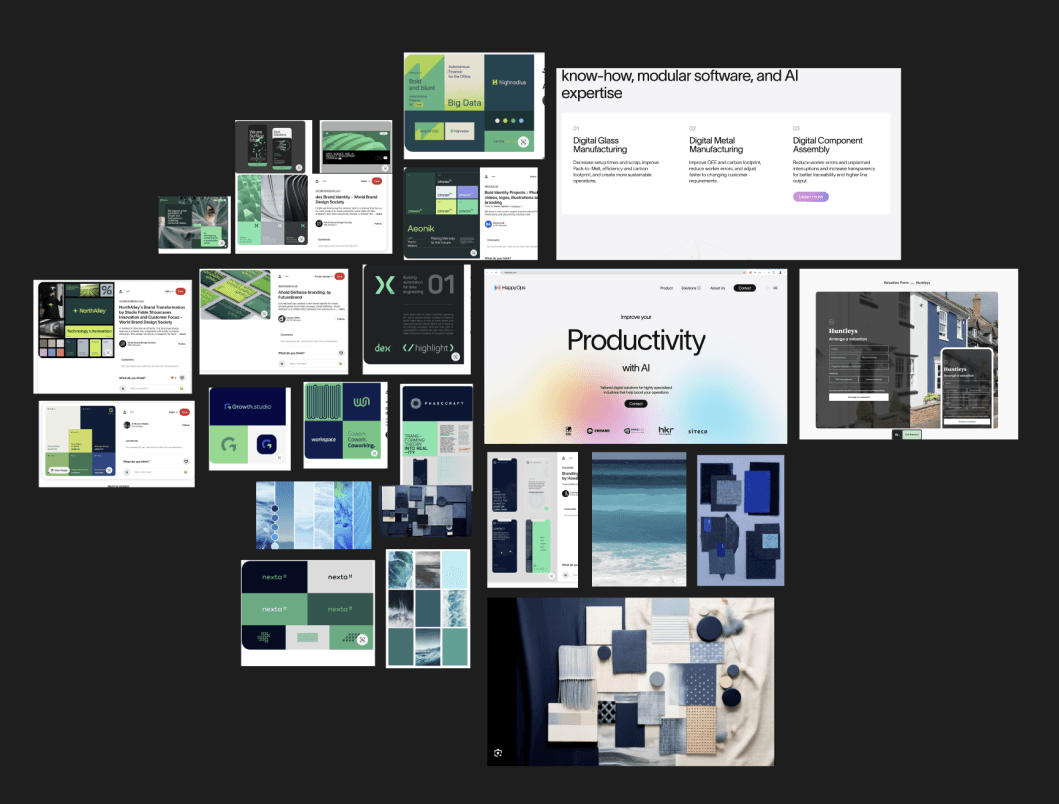
Define
Develop moodboards and visual direction.
Finalise
Refine the selected identity.
06 – USER JOURNEYS
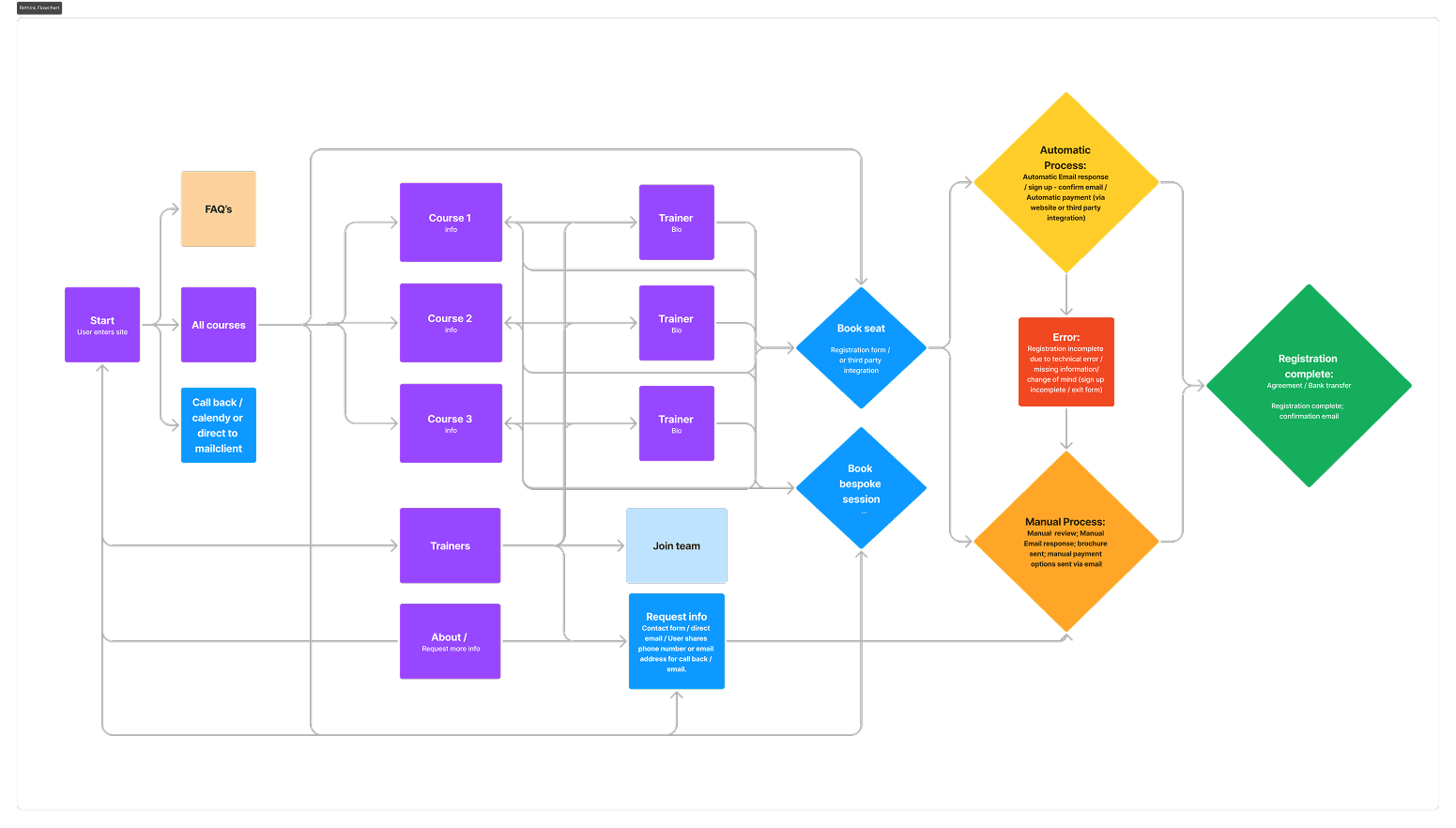
Turning user hypotheses into practical journeys.
The initial hypotheses provided the foundation for mapping how prospective students could move through the website.
07 - UX DESIGN
Exploring the experience before committing to visual design.
Low-fidelity designs were created using the agreed user journeys.
These concepts were prototyped and presented to stakeholders for review and testing before moving into high-fidelity design.
08 - UI DESIGN
Translating the validated structure into a complete visual experience.
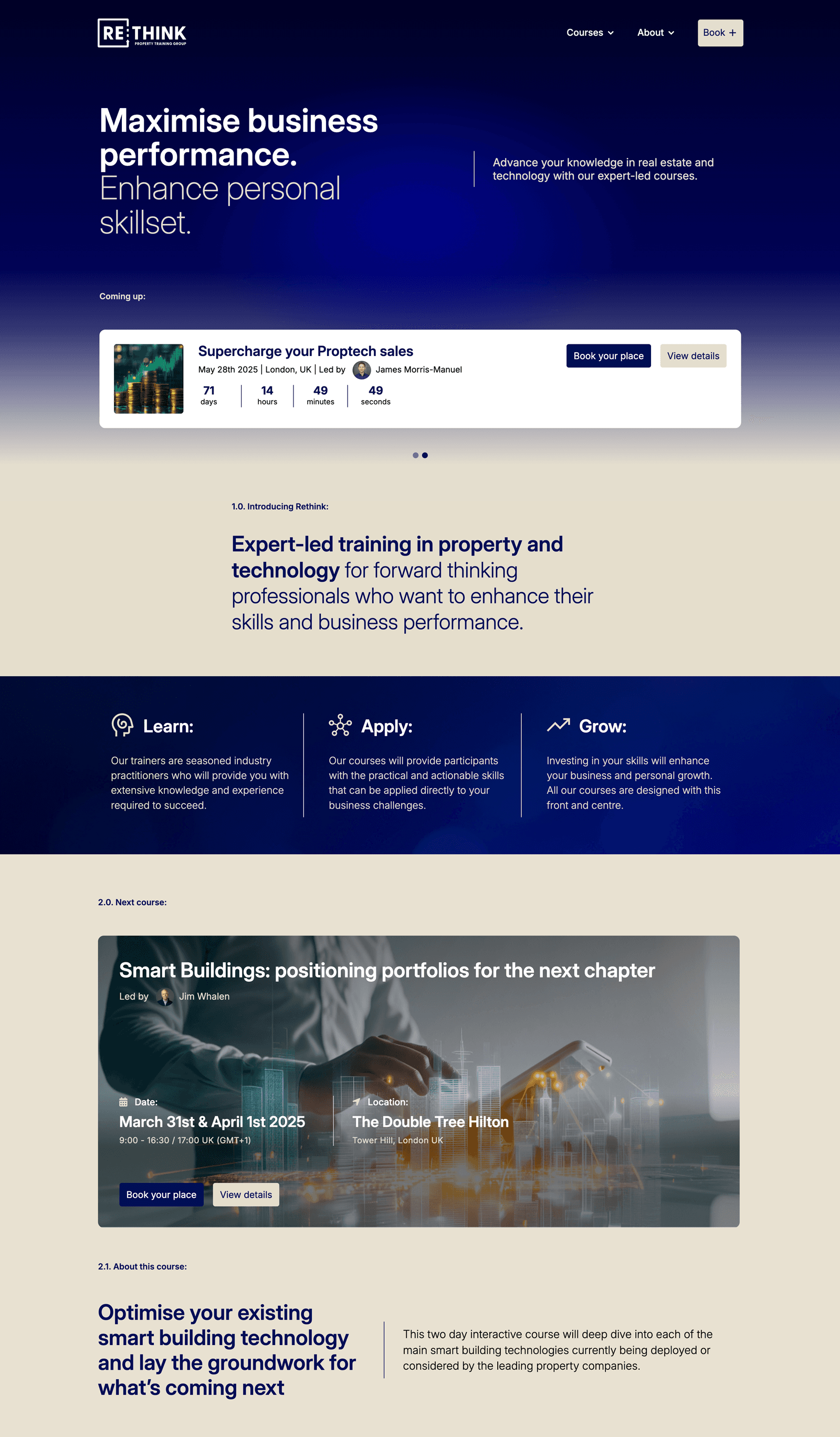
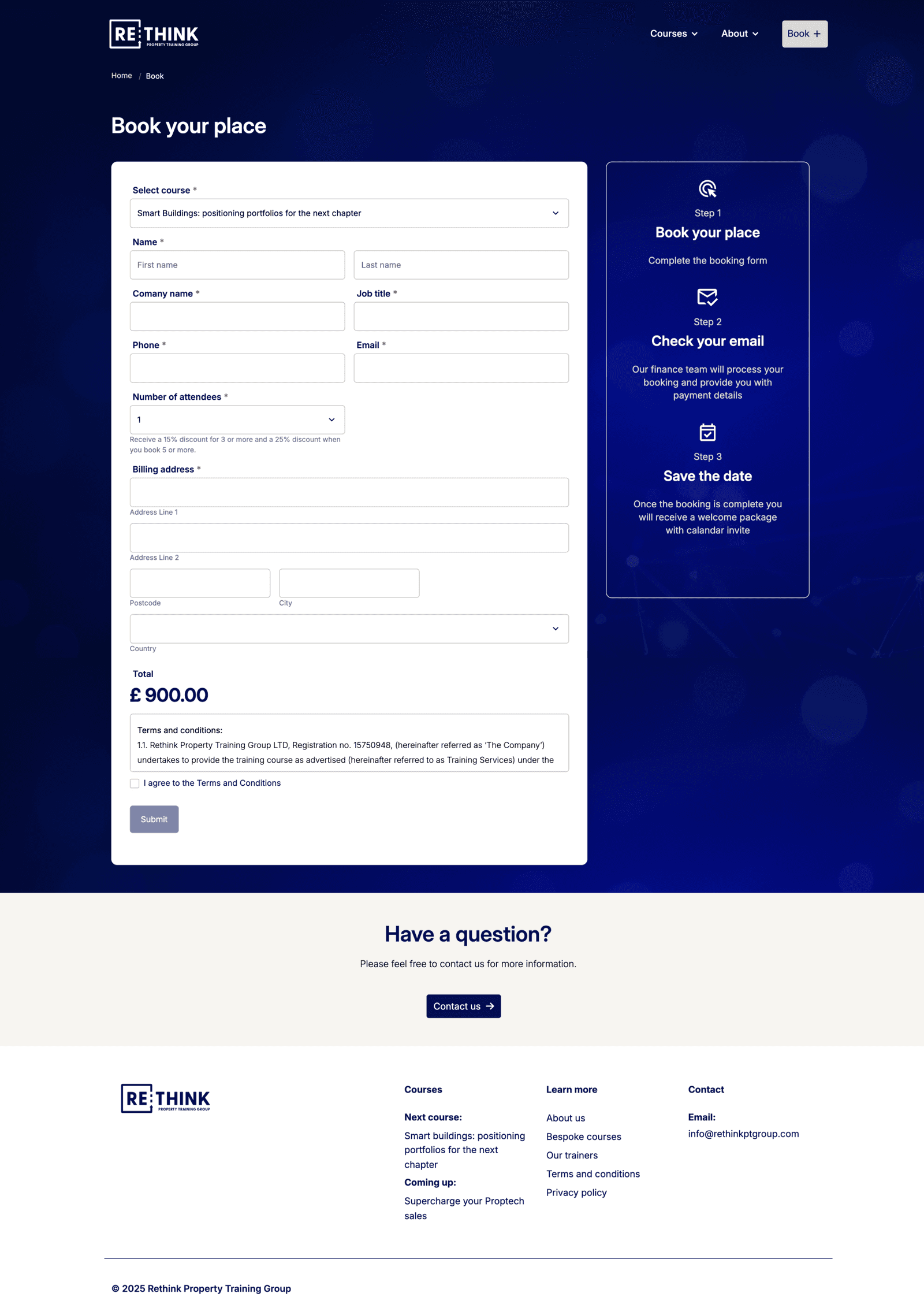
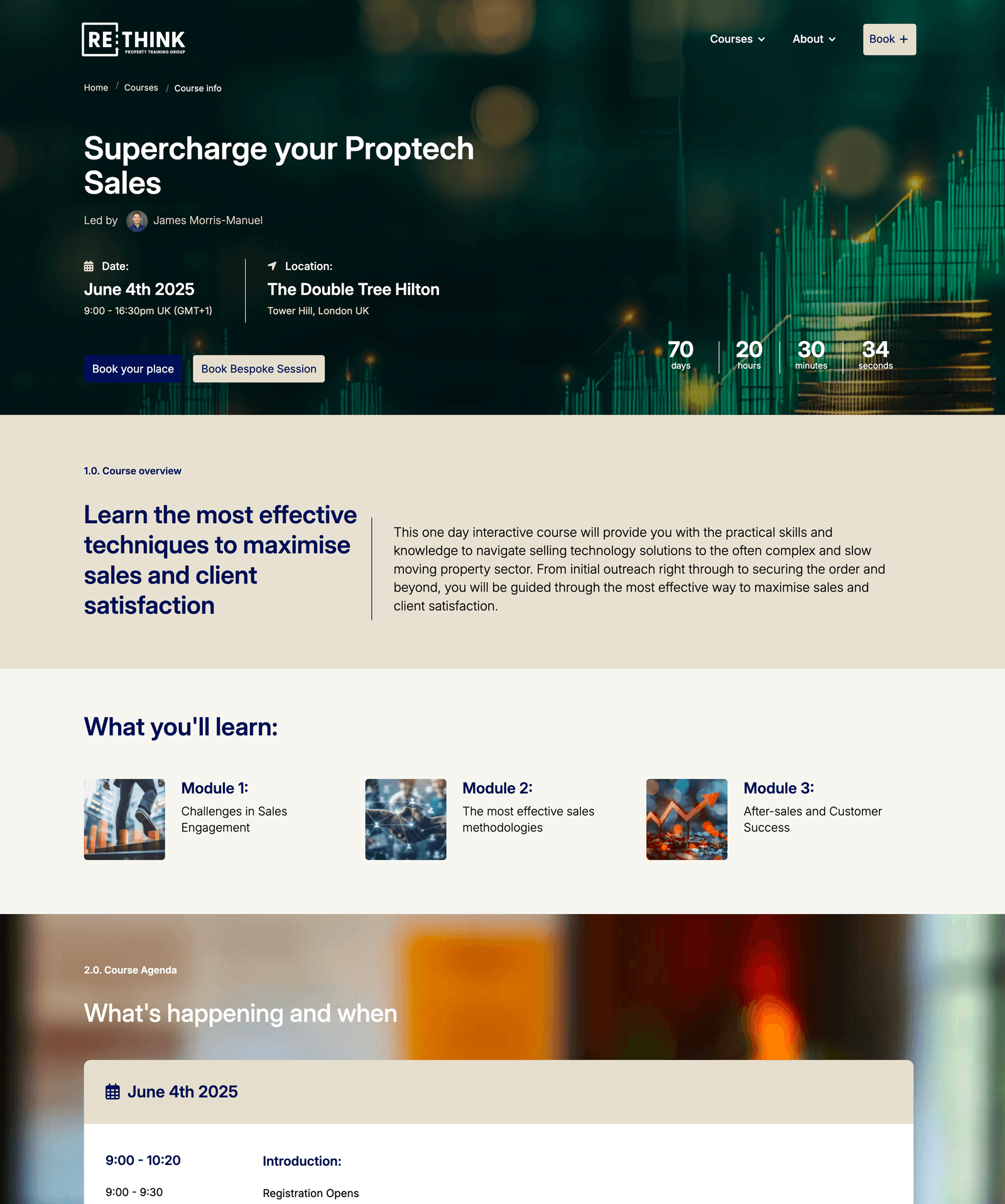
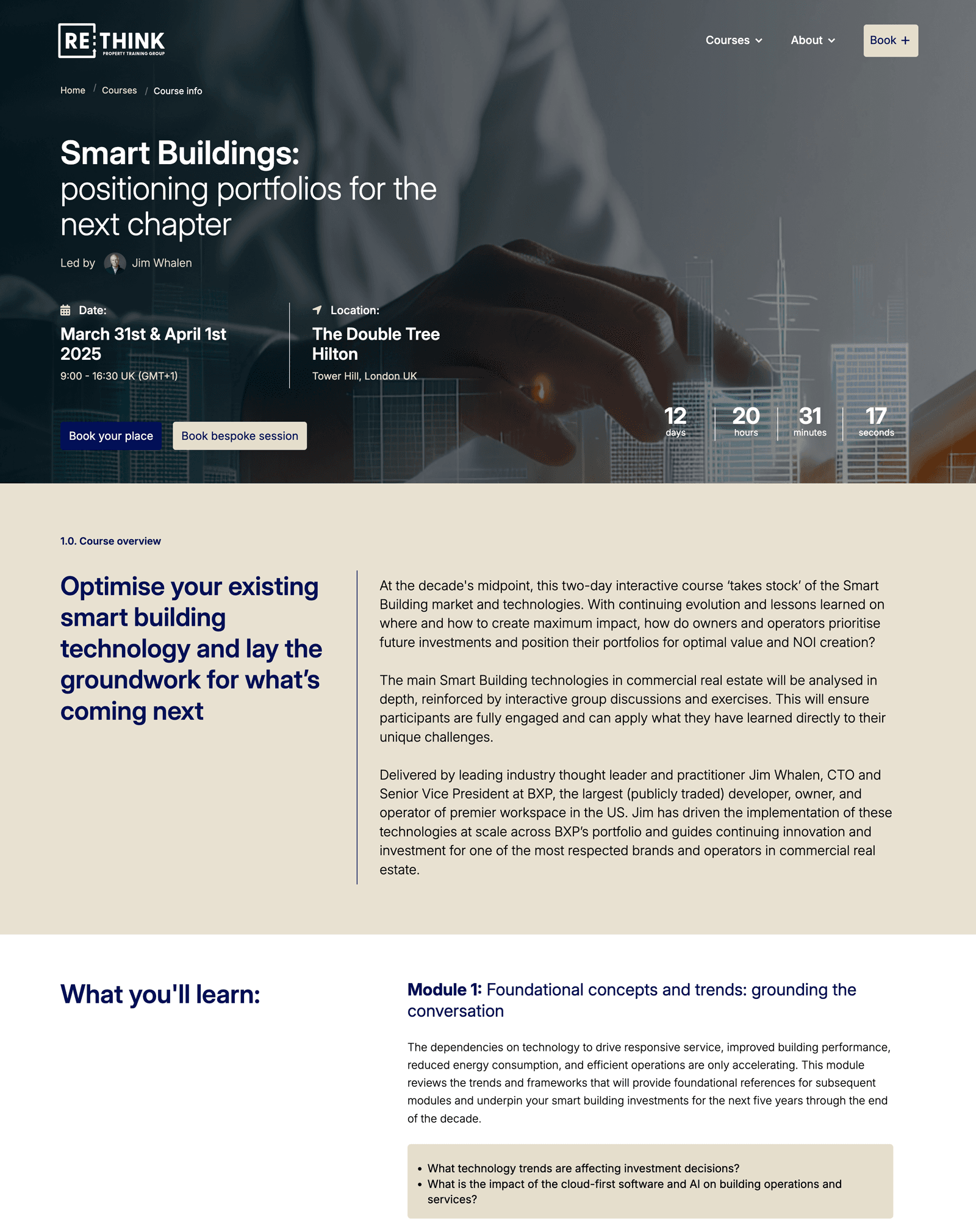
Once the low-fidelity experience had been reviewed and signed off, I developed the high-fidelity website concepts.
08 – ACCESSIBILITY
Designing for different users, devices and contexts.
Typography
Legible type sizes and clear hierarchy.
Contrast
Consideration of contrast between foreground and background content.
Responsive
Layouts designed to work across different screen sizes.
Navigation
Clear hierarchy and interaction patterns supporting keyboard use.
09 – VALIDATION
Designing, testing and refining throughout the process.
Research
Hypotheses
User journeys
Prototype
Test
Refine
10 – DEVELOPMENT
Taking the design from Figma into production.
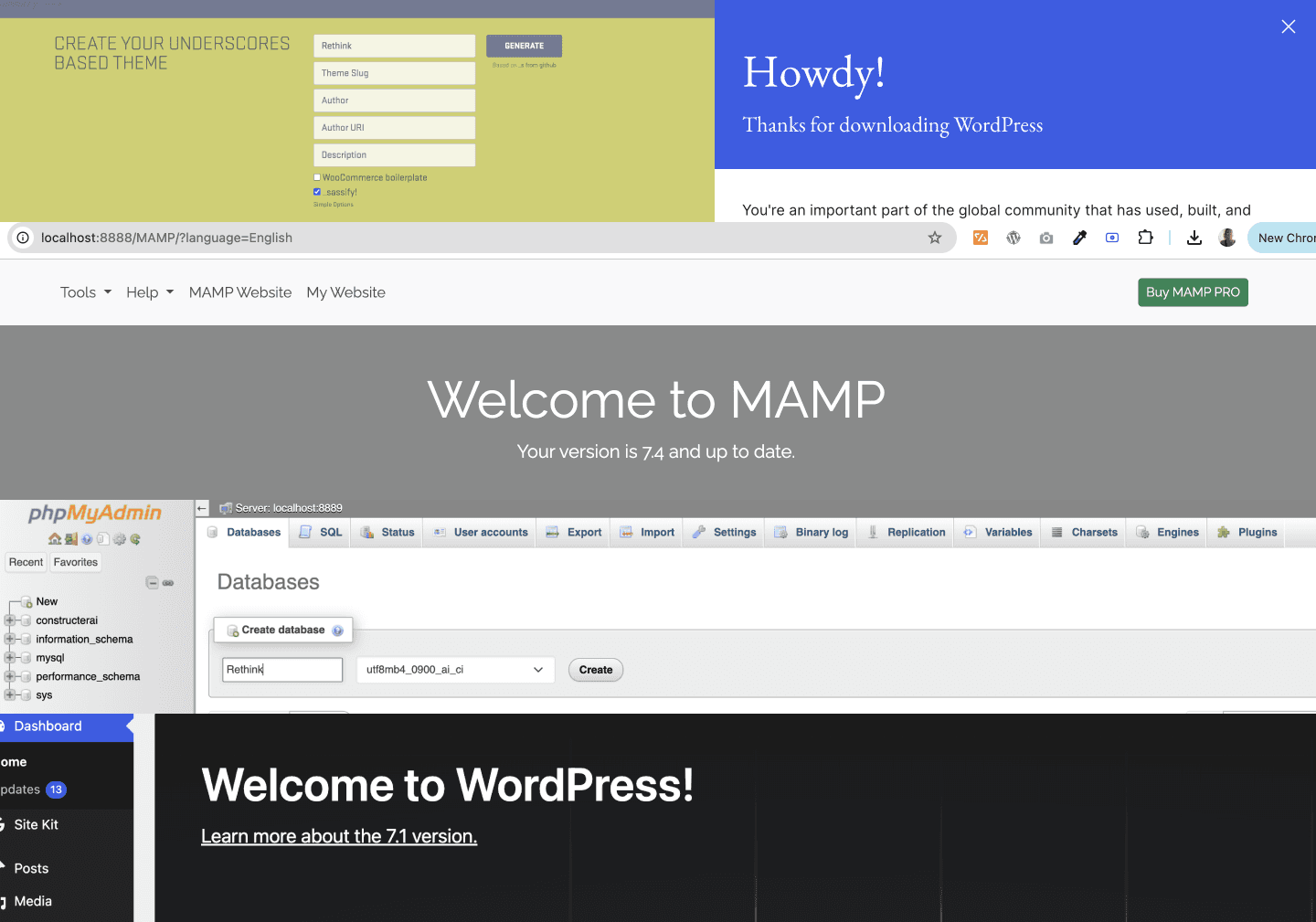
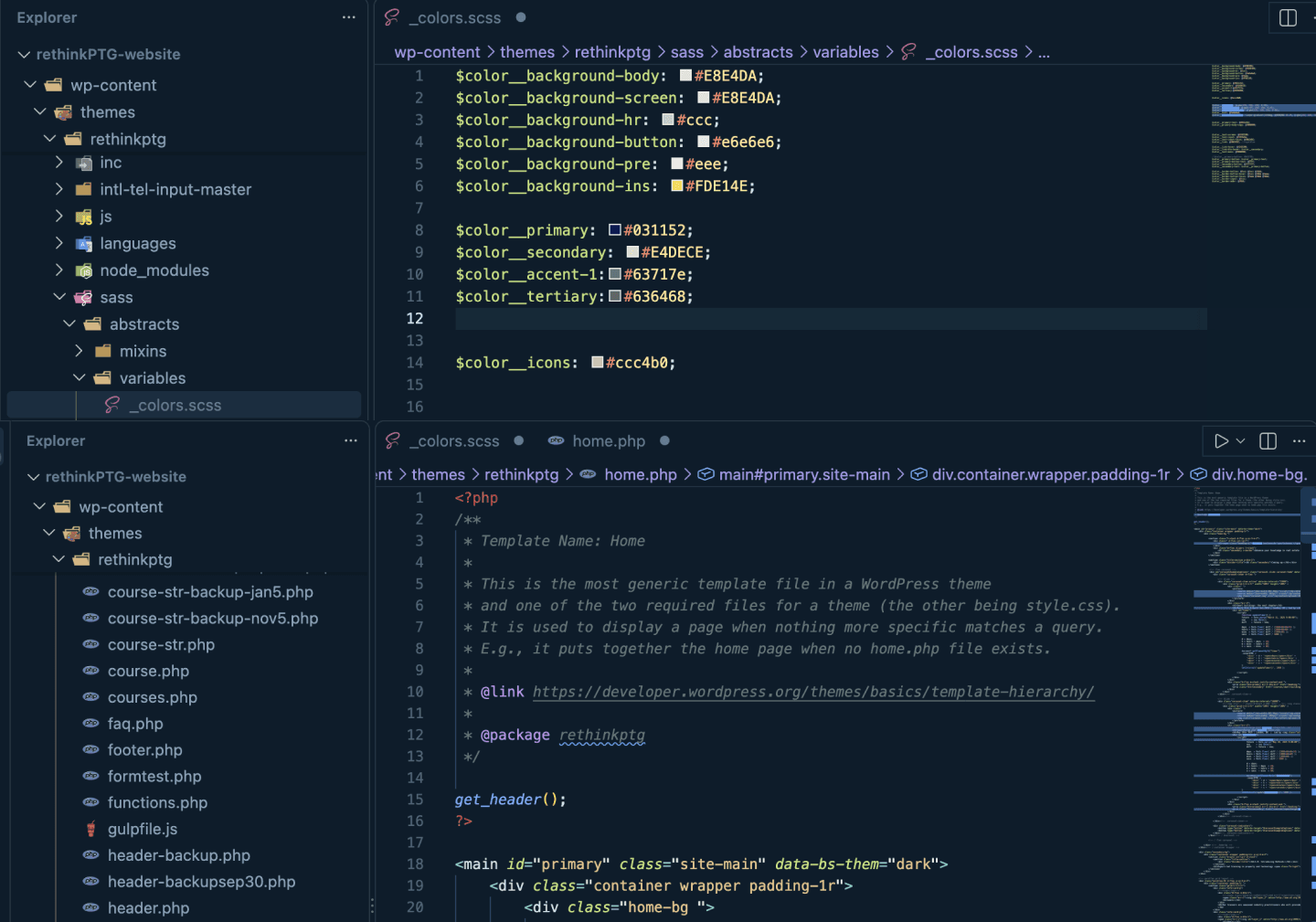
Once the designs were approved, I hand-coded the website using HTML5, CSS3, Sass/SCSS and Vanilla JavaScript, with PHP and WordPress used for the content management implementation.
Development began in a local environment before being migrated to a staging environment on the client's live server.
11 - TESTING & LAUNCH
From local development to production-ready website.
Local development
Build and test the website in a controlled local environment.
Staging
Migrate the website to the client's staging environment.
Review
Implement final stakeholder changes and complete testing.
Launch
Sign off and move the website into production.
12 – OUTCOME
A complete digital foundation for a new training business.
Brand
New visual identity and brand direction.
UX
Structured course discovery and booking journeys.
UI
Responsive high-fidelity interface design.
Development
Custom WordPress implementation using HTML, SCSS, JavaScript and PHP.
13 - REFLECTION
Understand the problem. Structure the experience. Design it. Build it.
Rethink demonstrated the value of working across the full digital product lifecycle. By combining business understanding, UX design, visual design and development, I was able to maintain continuity from the initial concept through to production.